Made this site to learn how to code :P


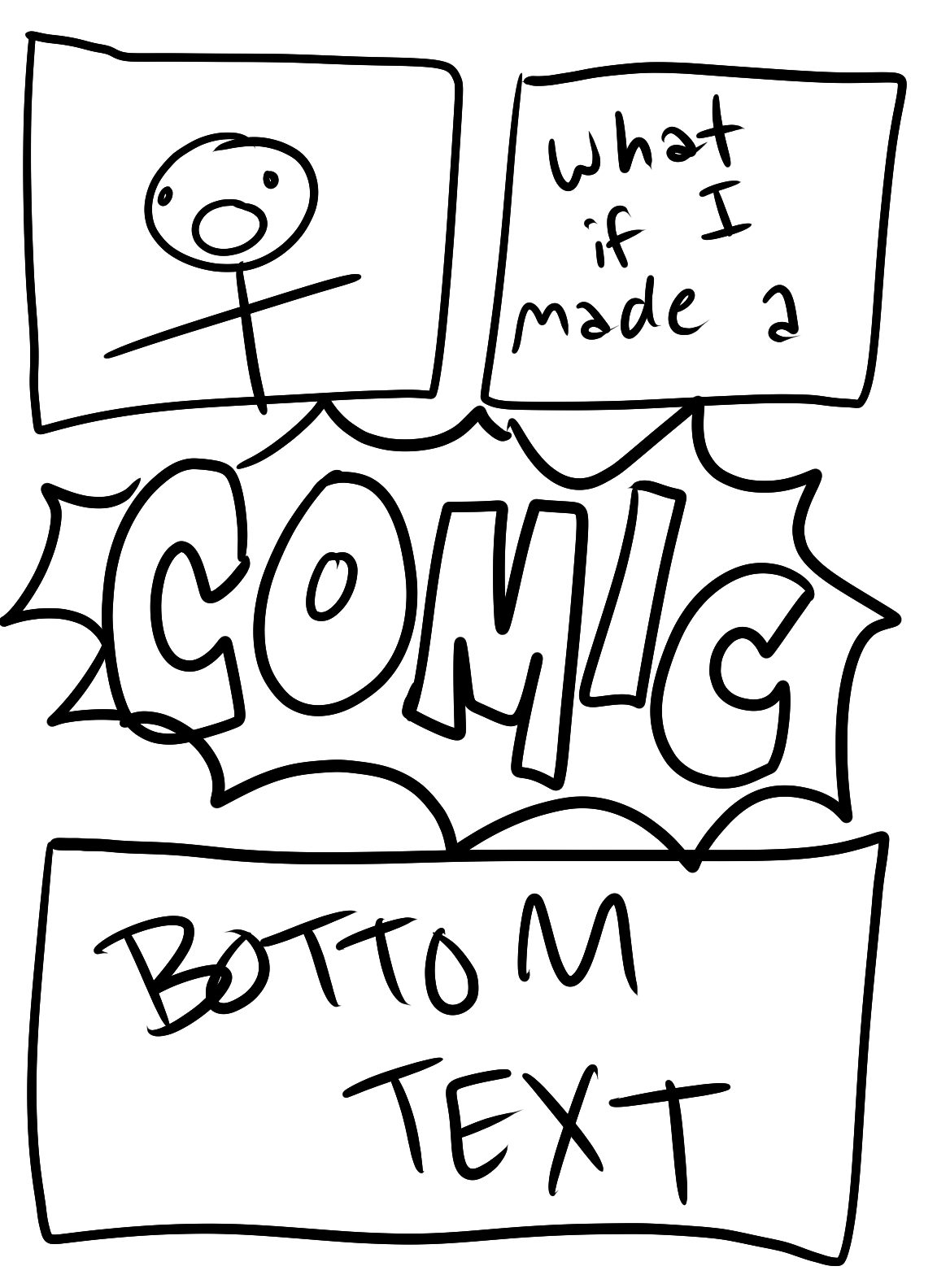
th imag too gat damb big for it site
EDIT: this was solved with the "width:" CSS property.
I can't believe I'm actually learning CSS, for some reason I couldn't wrap my head around it in college. CSS also let me align stuff to the center with "margin-left:" and "margin-right:". HELL YEAH!
Still don't get what "display: block;" is for, though.
...
This really does kinda make me wanna make my own comic site LOL, I haven't made a comic in so long, though.
Oh yeah, I almost forgot to put this here:
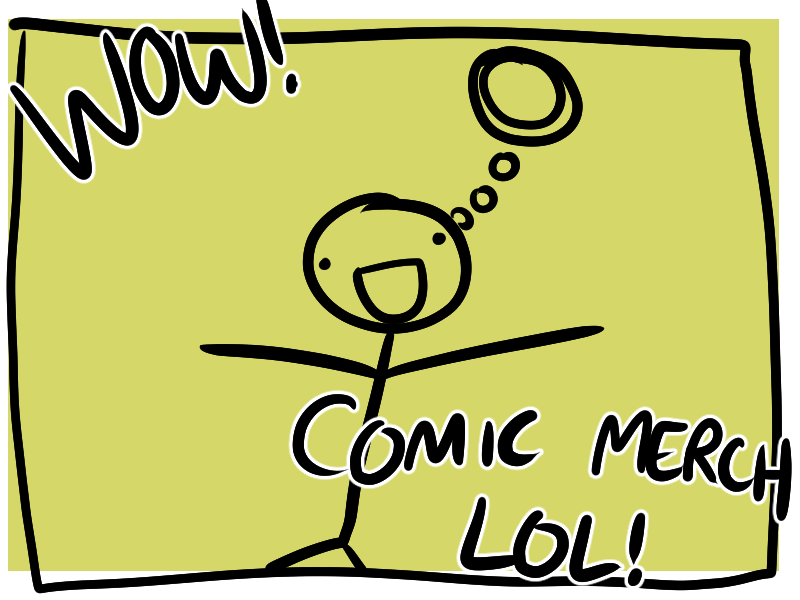
how do I get. this over to the right :?
On the right next to what I already got so it's not down here, but off to the side
HMMMMMM
LMAO EDIT: DID NOT EXPECT THE TEXT TO BE ALIGNED TO THE LEFT RIGHT FOR SOME REASON (Edit 2: I know my left from my right...)
copy/paste some stuff I was trying out from W3 Schools so I don't lose it:
(EDIT: note to self: most of the text in W3 was aligned to the left, as is the default, but because I've put this in a div that's aligned to the right, they're all aligned to the right now...)
A paragraph with no margins specified.
A paragraph with a 30pixels left margin.
more text
some more text lala
A paragraph with no margins specified.
And now all the right stuff is on the left because I changed the width, wow lmao
I DID IT!!!!!!!!!!! :DDDDD
And one for this side, too :P
omg this is all I've ever wanted in a site ;;-;;
Just the three things side by side TTwTT)9"
I GOT MY 3 SIDE BY SIDE THINGS AND THEN I FIGURED OUT HOW TO MAKE IT WORK ON MOBILE, I AM A GOD OF WEB DESIGN!!!!!!!!!!!!!!!!!!! AAAAAAAAAAAAAAAAAAAAAAAAAAAAAAAAAAAAAAAAAAAAAAA